Docs / Guide / Getting started
// GUIDE
Getting started
Add your first host and connect — the whole path from install to shell.
2 min readpage 1 / 7
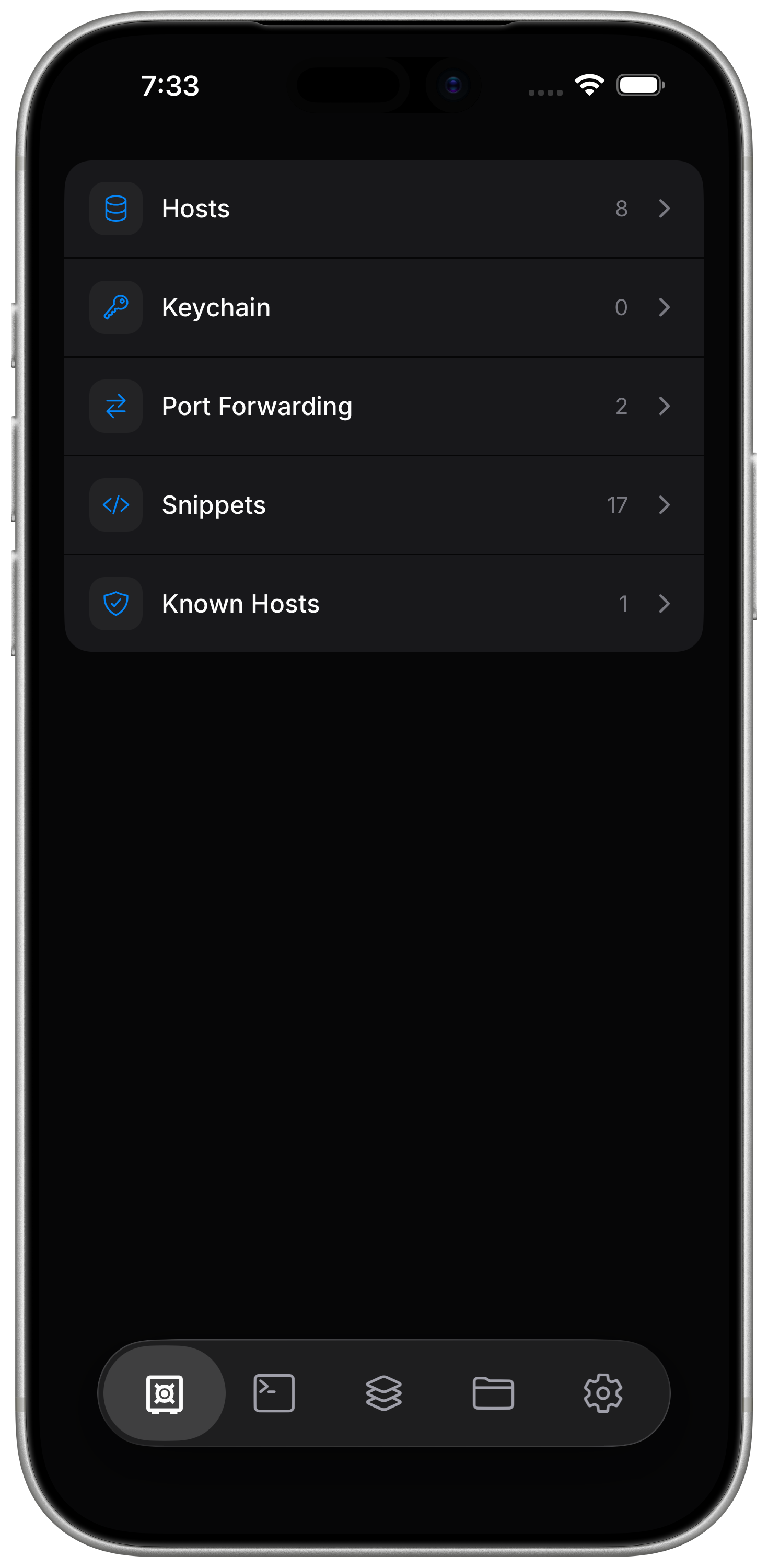
Everything lives in Vaults
Hosts, keys, snippets, and known hosts, all in one place — add a host here first, then connect from Terminal or Files.
Add a host
Hosts are not discovered automatically — add your own in Vaults: a name, address, port, and username, plus an SSH Identity (a password, or a private key you paste or import).
Connect
Tap the host from Terminal or Files to connect — both ride the same SSH connection, with no separate server or agent to install on the other end.