Docs / Guide / Introduction
// GUIDE
Introduction
What CyberTerm is, what you can do from your phone, and where to start.
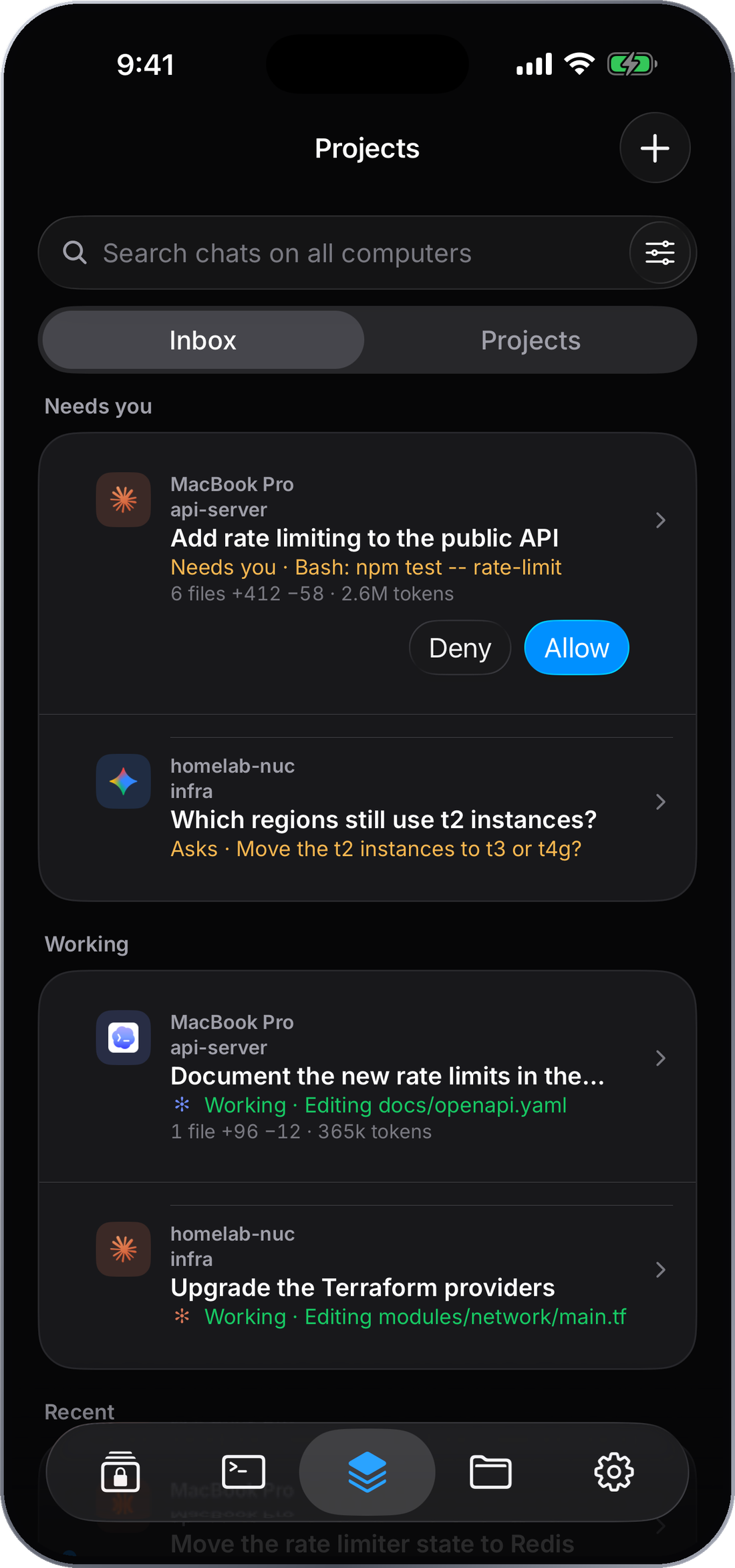
Your computers, in your pocket
CyberTerm is an SSH terminal made for the phone, with a Projects inbox that shows which coding agents are working and which need you.
Your agents keep working. You just don't have to be at the desk.
CyberTerm connects your iPhone straight to computers you already own, over SSH. There is no account to make and nothing in the middle. Your agents, your code and your shells stay on your computers; the app is the window onto them.
What you can do from your phone
- ›See what your agents are doing across every computer, and which ones are waiting on you.
- ›Step in by reading the conversation, checking git, or starting a new session.
- ›Drop into a real shell when an agent needs a hand, with a terminal that holds up on a touch screen.
- ›Fix things in place by browsing and editing files, or forwarding a port to preview a service.
It is for the moments away from your laptop: on the couch, on a train, in line for coffee.
What CyberTerm is not
- ›It does not run your code or your agents anywhere else. They run on your own computers.
- ›It does not need an account, and it does not sync your hosts and keys to a cloud.
- ›It does not replace your agent. It works beside Claude, Codex, Antigravity and Grok.
The terminal, files and port forwarding need only a reachable SSH host. Projects, the task manager and the disk scan add a small free helper on your computer. The Security guide covers how connections and keys are protected.
The main parts of the app
Projects
Every coding agent on every computer, in one inbox.
Terminal
A native terminal with split panes, tmux and a key row built for touch.
Files
Browse, edit and move files over the same SSH connection.
Computers
Live load, a task manager and a disk scan for each computer.
Vaults
Hosts, keys, snippets and known hosts, stored on your phone.
Port forwarding
Reach a service behind your server, with a live preview.
Where to start
- 1Add a host in Vaults, with a name, address and an SSH key or password.
- 2Open it from Terminal to connect.
- 3Set up the CyberTerm helper from the app to turn on Projects. The demo switch on the Projects tab shows it on sample data first.